

About
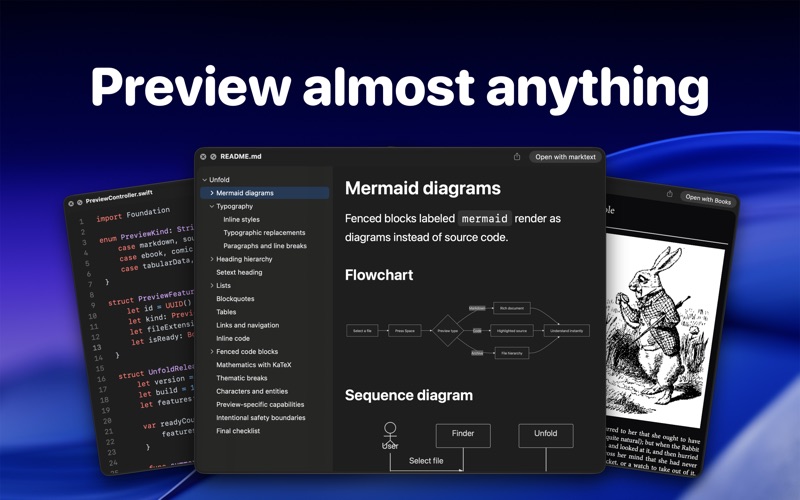
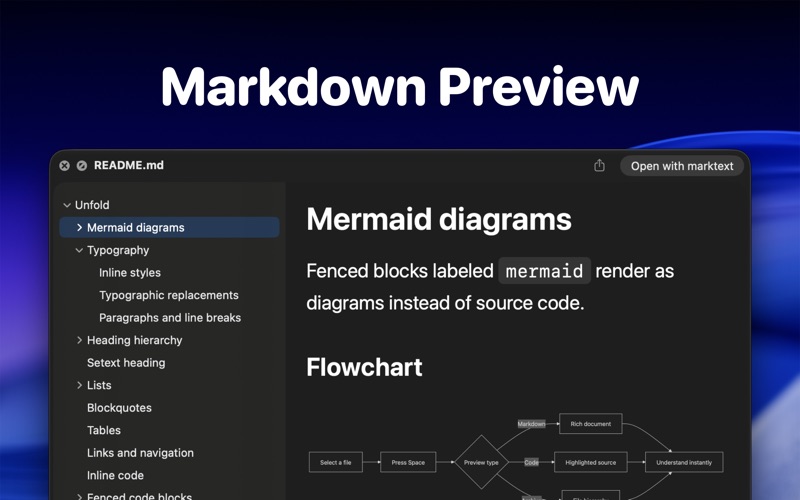
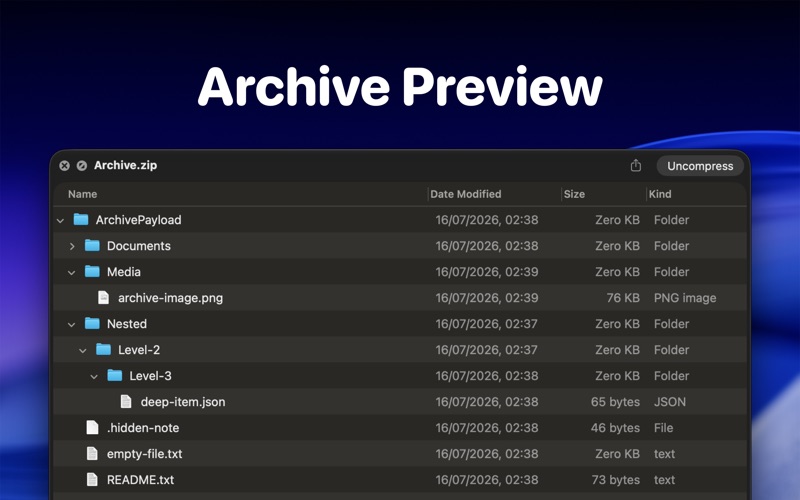
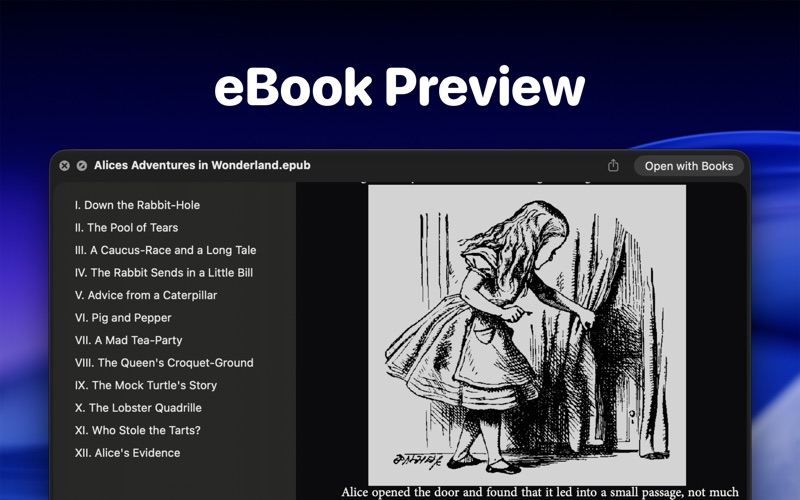
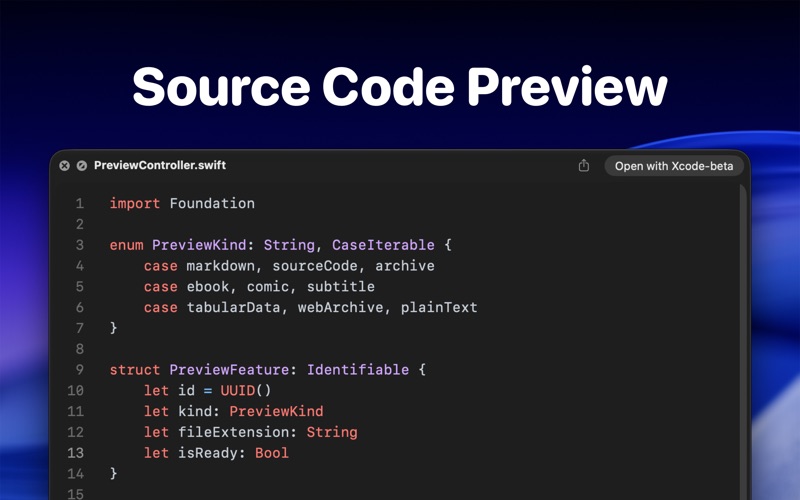
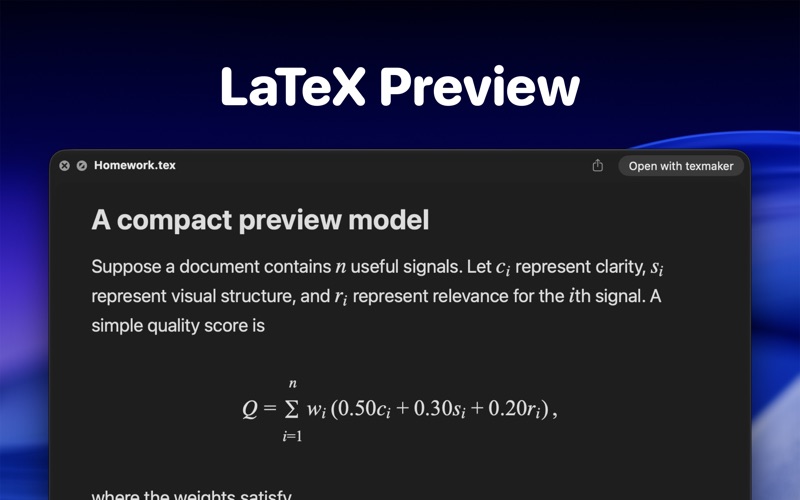
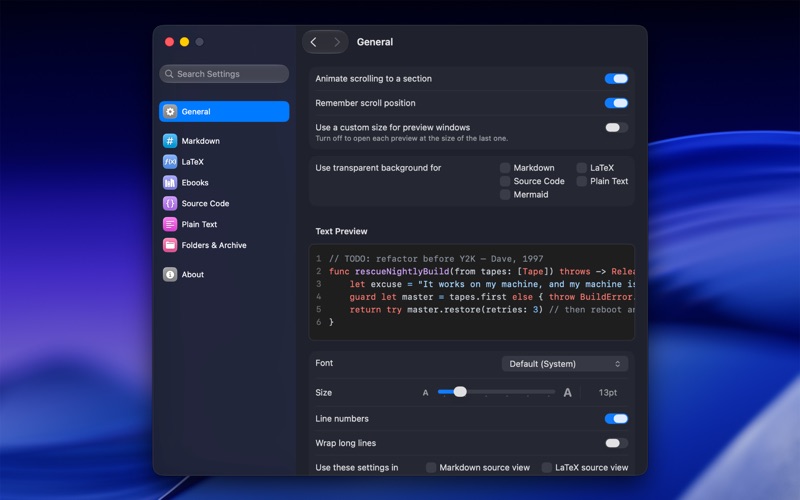
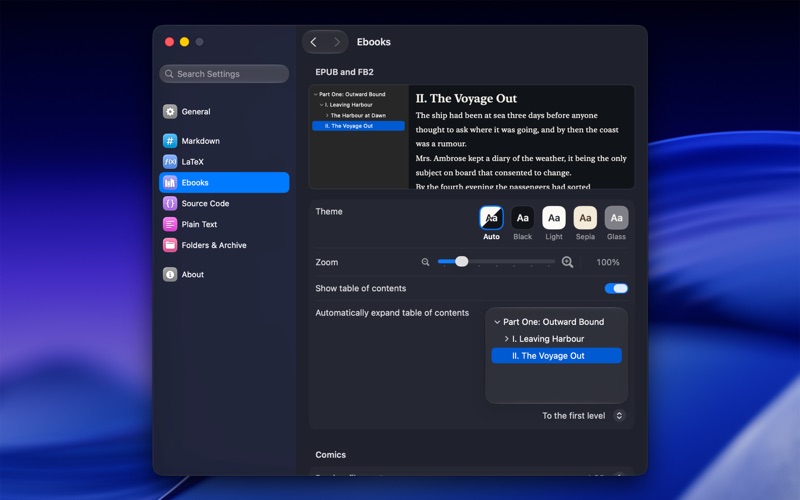
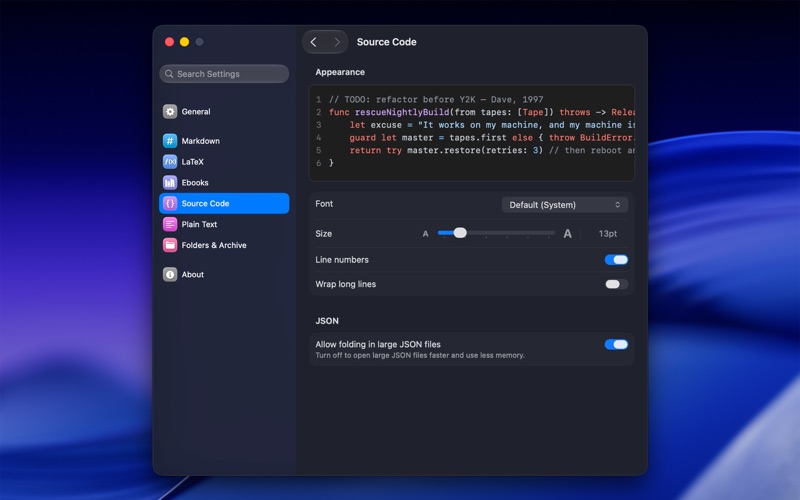
Unfold is a powerful Quick Look extension for macOS. Select a file in Finder and press Space to instantly preview source code, Markdown, JSON, comics, archives, web archives, ebooks, notebooks, diagrams, LaTeX, subtitles, tabular data, app bundles, and more—without opening a full editor. QUICK LOOK MORE THAN 140 FILE EXTENSIONS FOLDERS Preview folders directly in Quick Look using Native, List, or Grid layouts. Browse image thumbnails and file details, expand subfolders, control scan depth, and optionally show hidden items. SOURCE CODE AND CONFIGURATION Read Swift, Python, JavaScript, Java, Kotlin, C, C++, C#, Rust, Go, Ruby, PHP, Shell, SQL, CSS, YAML, XML, TOML, plist, and many other developer files with syntax highlighting. Unfold also understands special filenames and dotfiles such as Makefile, Dockerfile, CMakeLists.txt, .gitignore, and .env. JSON AND STRUCTURED DATA Explore JSON, JSONC, JSON5, JSONL, and Canvas files in a native, syntax-colored viewer with line numbers and collapsible objects and arrays. Open .tab and .tsv data as easy-to-scan tables. MARKDOWN, MERMAID, AND JUPYTER Read Markdown as a polished document with headings, tables, code blocks, and a navigable table of contents, or switch to source view. Enable hot reloading to automatically refresh the preview whenever the source file changes. Render Mermaid files as diagrams with zoom controls. Preview Jupyter notebooks with formatted Markdown, syntax-highlighted code, math, images, and saved outputs. COMICS Read CBZ and CBR comic books directly in Quick Look. Browse pages in a continuous reading view and jump through the book using thumbnail navigation. ARCHIVES Explore ZIP, RAR, 7Z, TAR, compressed TAR archives, and many package formats without extracting them first. Browse nested folders, expand directory contents, and inspect filenames and file sizes in a clear hierarchical view. WEB ARCHIVES Open MHT and MHTML web archives as rendered pages directly in Quick Look. Web archives are processed locally with remote loading, external navigation, and page-authored JavaScript disabled. LATEX AND BIBTEX Preview TeX, LaTeX, and LTX documents with formatted structure and math, then switch to syntax-highlighted source when needed. Turn BibTeX files into readable reference lists in APA, MLA, Chicago, or IEEE style. EBOOKS Open EPUB and FB2 books with covers, structured content, table-of-contents navigation, adjustable reading size, and automatic, black, light, or sepia themes. Reopen a book where you left off. SUBTITLES AND TEXT Inspect SRT subtitles with timing and style highlighting, plus VTT, ASS, and other subtitle files. Preview logs, NFO files, Fountain scripts, plain text, extensionless files, and unfamiliar text-based formats. MAC APP BUNDLES Quick Look an .app to see its icon, name, version, bundle identifier, architecture, minimum macOS version, size, signing identity, App Sandbox status, and hardened runtime status. Everything runs locally on your Mac. Your files are not uploaded. GET STARTED Open Unfold after installation. Go to System Settings > General > Login Items & Extensions > Quick Look. Enable the Unfold extensions you want. Select a supported file in Finder and press Space.
Developer
flew llc
View all apps by this developer